How to Use AI for Homework Without Letting It Do the Learning
Use AI as a tutor rather than an answer machine with learning protocols, verification, privacy boundaries, and academic-integrity rules.
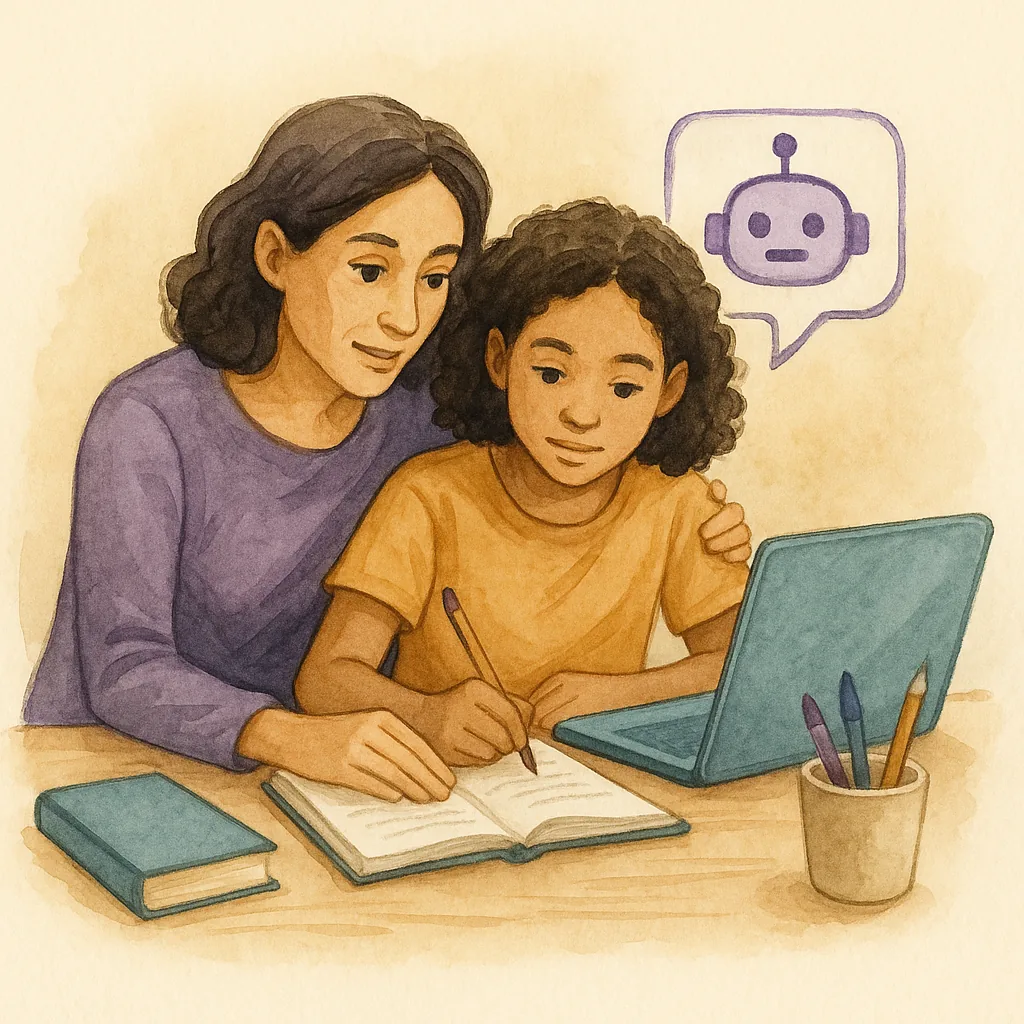
AI can explain a confusing paragraph, generate practice questions, diagnose an error, and adapt an example to a child’s level. It can also write the assignment, invent a convincing falsehood, and give a student the temporary feeling of competence that disappears the moment the screen closes.
That is the central problem: performance with AI is not automatically learning without AI.
A useful family policy should not be “AI is always cheating” or “AI is just another calculator.” It should ask:
Which parts of this task are supposed to happen inside the child’s mind, and how can AI support rather than replace them?
Begin with the school’s rules
Before discussing what AI can do, establish what the teacher permits.
Rules may differ by:
- subject;
- assignment;
- grade level;
- brainstorming versus final writing;
- translation;
- coding;
- grammar support;
- source use;
- disclosure requirements;
- assessments completed at home.
When unclear, the student should ask:
“May I use AI to clarify the instructions or receive feedback on my own draft? If so, what should I disclose?”
A technically impressive workaround is still misconduct if the assignment prohibits it.
Use three zones
Green zone: AI supports learning
Examples:
- paraphrasing confusing instructions;
- defining vocabulary at the child’s level;
- giving a no-answer explanation of what a problem asks;
- asking diagnostic questions;
- offering one hint at a time;
- generating similar practice after instruction;
- checking a student’s reasoning and identifying the earliest error;
- creating retrieval questions from notes;
- simulating a skeptical reader;
- helping plan a large project;
- translating a concept explanation while preserving key terms;
- suggesting a checking method.
The child remains responsible for the core thinking.
Yellow zone: useful only with guardrails
Examples:
- brainstorming essay ideas;
- summarizing a source;
- revising sentences;
- solving a worked example;
- generating code;
- proposing research claims;
- explaining advanced science;
- creating a study guide.
Risks include false facts, lost voice, shallow processing, and work that exceeds what the child can explain.
Use these tools only when the student:
- has a clear task;
- contributes their own attempt;
- checks the output;
- records sources independently;
- rewrites in their own reasoning and voice;
- can reproduce the skill without the tool.
Red zone: AI replaces the assessed learning
Examples:
- generating the final response and submitting it as the student’s work;
- writing a personal or college essay;
- answering a take-home test when tools are prohibited;
- inventing citations or data;
- paraphrasing copied text only to avoid detection;
- impersonating the student’s reflections;
- completing repeated practice so the grade shows competence the child does not have.
The problem is not merely rule-breaking. The child and teacher lose the information needed to identify what should be taught next.
Use the attempt–hint–teach-back–transfer protocol
1. Attempt
Before opening AI, the child produces something observable:
- a restatement of the task;
- a first step;
- an outline;
- a calculation;
- an interpretation;
- a list of known and unknown information;
- a specific question.
Exceptions exist when the child cannot interpret the assignment at all. In that case, AI may clarify the task without solving it.
2. Ask for the smallest useful help
Good prompt:
“Do not solve this problem. Explain what it is asking me to find and identify the quantities and units.”
Then:
“Give one hint that points to a representation, but do not name the operation.”
Or:
“Read my paragraph as a reader. Tell me where the logic becomes unclear. Do not rewrite it.”
3. Teach back
The child closes or hides the answer and explains:
- what the AI said;
- why it makes sense;
- which part changed their thinking;
- what they still do not understand.
If the child can only repeat the AI’s wording, understanding is not yet secure.
4. Transfer without AI
Use a similar problem, fresh paragraph, blank diagram, or new example.
The child completes it with the tool closed.
This is the most important step. Research increasingly suggests that unrestricted AI can improve performance during assisted practice while leaving students less prepared to perform independently. Transfer reveals the difference.
5. Verify
Check facts, calculations, quotations, and assumptions against reliable materials.
6. Disclose when required
Follow the teacher’s policy. A short process note may explain what the tool did and what the student did.
Prompt the AI to teach, not perform
For math
“Ask me one question at a time to identify where my reasoning fails. Do not give the answer unless I request a full explanation.”
For reading
“Tell me whether the question asks for a stated fact, inference, main idea, purpose, or evidence. Do not choose the answer.”
For writing
“Identify the two highest-impact revision priorities in my draft. Quote the relevant sentence, explain the reader problem, and ask me a question. Do not supply replacement prose.”
For science
“Separate my claim, evidence, and reasoning. Flag any unsupported leap or unit error. Do not write the final answer.”
For studying
“Create eight retrieval questions from these notes: two factual, two explanatory, two comparison, and two application questions. Hide the answers until I respond.”
For projects
“Extract required deliverables, unclear requirements, dependencies, and milestones from this rubric. Do not choose the topic or create the content.”
Verify AI output deliberately
AI language often sounds more certain than the evidence deserves.
Use a verification checklist:
- Does the answer match the assignment’s definitions and method?
- Can the calculation be reproduced independently?
- Are units consistent?
- Does a quoted passage actually exist?
- Are sources real and relevant?
- Does the explanation distinguish fact, inference, and uncertainty?
- Does the historical timeline make sense?
- Is the scientific claim oversimplified?
- Does the code run on the required version and environment?
- Can the child explain every sentence they plan to use?
Never submit a citation supplied by AI without locating and reading the source.
Protect privacy
Children should not paste sensitive information into a general AI tool.
Avoid sharing:
- full legal name;
- school identifiers;
- home address;
- phone numbers or personal email;
- medical, disability, or counseling records;
- student ID numbers;
- private teacher or classmate information;
- unpublished assessments;
- account credentials;
- identifiable photos unless necessary and permitted;
- confidential school documents.
Crop assignment images when possible. Remove names and grades. Review age requirements, family settings, and the tool’s data practices.
Preserve the child’s voice
AI tends to produce polished, generic language. A child’s authentic draft may be rougher but more meaningful.
Use AI to ask:
- Where is the point unclear?
- What information is missing?
- Which sentence sounds inconsistent with the rest?
- What questions would a reader have?
Avoid asking it to “make this sound smarter.” That often replaces the writer’s judgment with inflated vocabulary and sentences no human teenager has voluntarily spoken.
For personal writing, the child should generate the experiences, interpretation, structure, and final language.
Use AI differently at different stages
Before learning
Good for clarifying prerequisites and vocabulary. Risky if it supplies a solution before the child understands the problem.
During learning
Good for guided hints, contrasting examples, and feedback. Require active responses.
During practice
Good for varied questions and error diagnosis. Include closed-tool practice.
During assessment
Follow the rules. If independent performance is being assessed, AI use may invalidate the result.
After assessment
Good for categorizing errors, reteaching concepts, and generating targeted practice.
A practical math example
Problem:
A car travels 180 miles using 6 gallons of fuel. At the same rate, how far can it travel using 9 gallons?
Bad AI use:
“Solve this.”
Better process:
- Child identifies miles, gallons, and unknown miles.
- Child attempts a table.
- AI clarifies that the relationship is constant miles per gallon without calculating.
- Child finds the unit rate.
- AI checks whether the unit is correct.
- Child completes the calculation.
- Child solves a similar problem with different numbers and no AI.
The tool supports modeling and checking. The child owns the transferable method.
A practical writing example
The child uploads a draft and asks AI to improve it. The output is elegant but introduces a new argument and vocabulary the child cannot explain.
Better process:
- Child states the assignment and intended claim.
- AI identifies where evidence is missing.
- Child chooses which evidence to add.
- AI asks whether paragraph order supports the claim.
- Child revises.
- AI flags sentence-level patterns but does not rewrite them.
- Child explains each major change.
Make a family AI agreement
A workable agreement might say:
- We follow teacher rules.
- The student attempts the task first unless instructions are inaccessible.
- We ask for the least revealing help.
- The student explains the output in their own words.
- Important facts and citations are verified.
- Personal information is removed.
- Final work remains the student’s own.
- We include regular no-AI practice.
- We disclose use when required.
- If AI use makes independent performance worse, we change the process.
Review the agreement as tools and school policies change.
Warning signs of dependence
- The child opens AI before reading the task.
- “Help” routinely becomes complete output.
- The child cannot continue when the tool is unavailable.
- Writing voice changes dramatically.
- Scores on independent work lag far behind assisted homework.
- The child accepts answers without checking.
- They cannot explain submitted work.
- AI removes every moment of uncertainty before the child attempts to reason.
The solution is not necessarily a total ban. Reduce the help level, require transfer tasks, and restore independent attempts.
Sophia’s rule: Use AI to create the next act of thinking, not to remove the need for thought.
How Sophia is designed to help
Begin with Level 1: Understand the assignment. Let the child explain what they know. Open Level 2 for one directional hint. Use Level 3 only when direct instruction is necessary. After any full explanation, close it and ask the child to solve a similar task independently.
The right question is not “Did AI help finish the homework?” It is “What can the child now do when AI is no longer in the room?”